
What to Do with Your Family's Old Photos Before It's Too Late
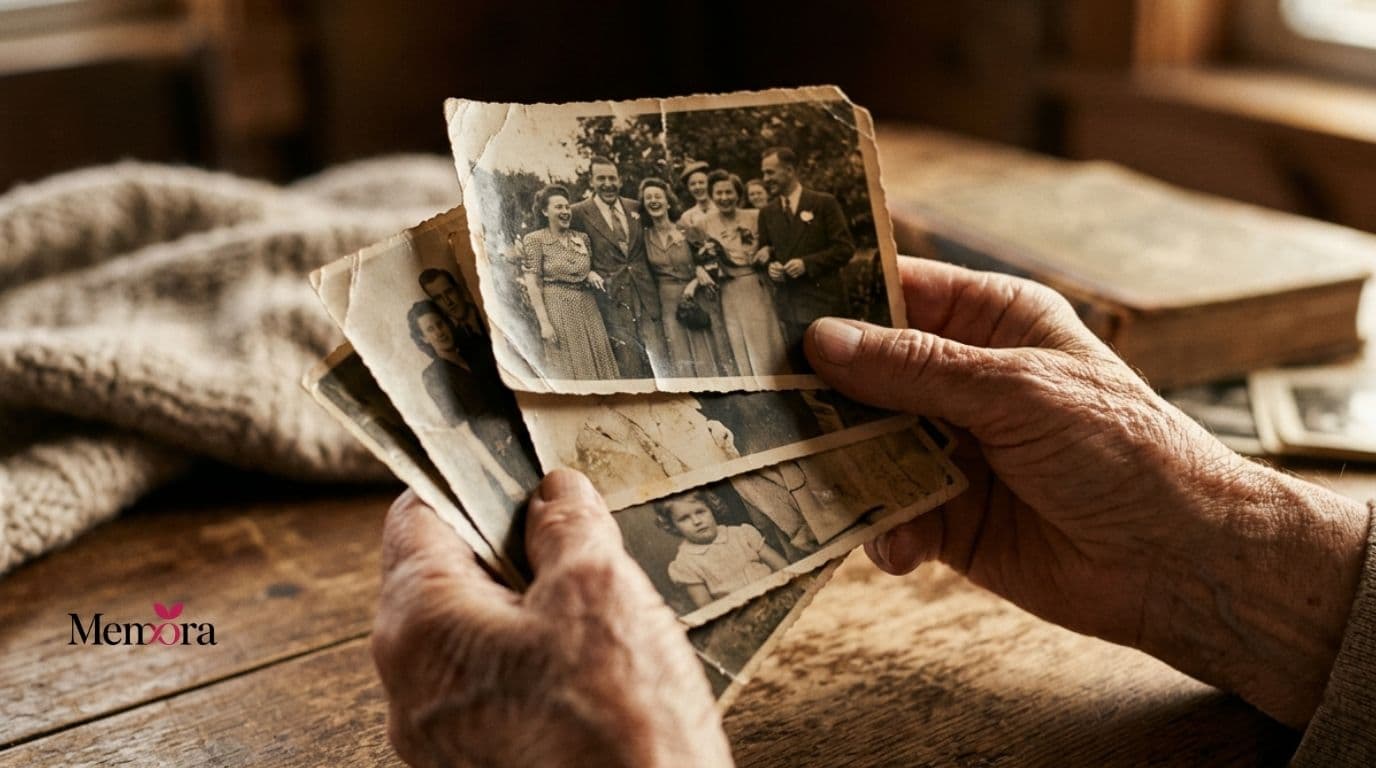
Old photos are fragile. And often… irreplaceable.
But most of them are forgotten in drawers.
The real risk of doing nothing
Physical photos deteriorate over time due to humidity, light and the passage of years.
- They deteriorate and fade over time
- They get lost during moves or accidents
- No one will know who appears in them or their story
Step 1: Digitise your photos
You have two main options: a desktop scanner for maximum quality, or mobile apps like Google PhotoScan to do it quickly at home.
10 memories you shouldn't let fade
Step 2: Organise and classify
Once digitised, group them by people, years and events. Don't try to be perfect — start with the most important ones.
- By people or family
- By years or decades
- By special events
Step 3: Add information
This is the most important and most overlooked step. Who appears? When was it? What was happening? Without this information, photos lose their value in the future.
Step 4: Share with your family
Don't keep it just for yourself. Share the digitised photos with your family so they can also add information and relive those moments.
Step 5: Create a long-term system
This is where most people fail. Digitising once is not enough; you need a system that is maintained over time and is accessible to the whole family.
The difference between saving and preserving
Saving means having an archive. Preserving means having a story. The difference lies in the context and meaning you give to each memory.
10 memories you shouldn't let fade